The NCSC and international partners point to «Russia-based actors»; the same page cites earlier activity attributed to APT31, Star Blizzard and the IRGCmedium
They don't steal your phone: they add theirs next to it
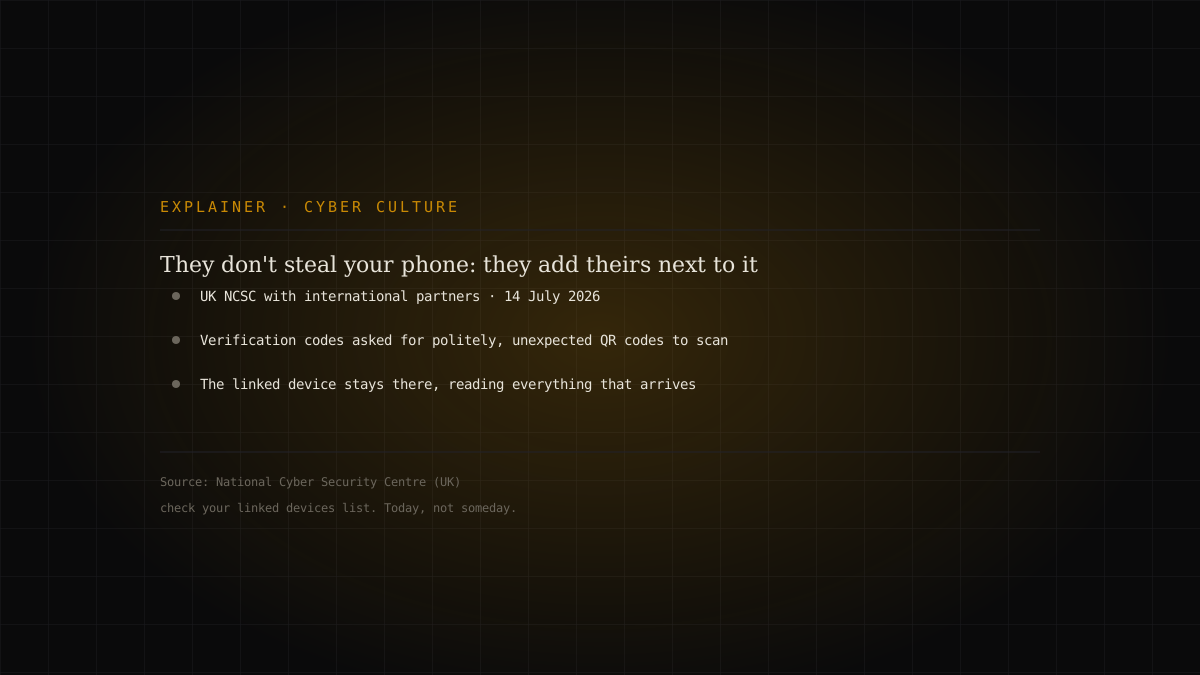
The UK National Cyber Security Centre, together with international partners, has published an advisory on a technique that does not look like a cyber attack: persuading someone to link one extra device to their messaging account. The phone stays in your pocket, no password is needed, no malware is installed — and from that moment someone else reads the messages arriving. The tools are a verification code politely requested and a QR code scanned without a second thought. The most effective countermeasure is a screen almost nobody has ever opened: the list of linked devices.

An attack that does not look like one
Almost everything we know about account security assumes a thief: someone getting in as you, using something they took from you. Stolen passwords, hijacked sessions, lost phones.
The technique described by the UK National Cyber Security Centre, together with international partners, works differently. Nobody gets in as you, because nobody needs you to get out. The attacker's device is simply added alongside yours, and from then on they receive what you receive.
The NCSC puts it directly: it has observed «growing malicious activity from Russia-based actors using messaging apps to target high-risk individuals». On the same page the Agency recalls its earlier reporting on activity against government officials' accounts attributed to APT31 (China), Star Blizzard (linked to Russia's FSB) and Iran's Islamic Revolutionary Guard Corps.
What a linked device is
Modern messaging apps let you use the same account on several devices: your phone, the office computer, a tablet. Linking is almost always done one way — you scan a QR code, or enter a code.
It is a convenient and legitimate feature. But it has three characteristics that make it ideal for someone who wants to read your conversations.
It is silent. Once linked, the device does not announce itself. It sends no notification, appears in no banner, makes nothing vibrate.
It is persistent. It does not expire at the end of the day. It stays until someone removes it — and to remove it, you first have to know it is there.
It does not need your phone. Your device carries on working identically. No symptom, no slowdown, no strange app installed.
- 01The requesta verification code asked for with a credible pretext, or a QR code to scan
- 02The linkthe attacker's device joins yours, with no alert
- 03Persistenceit stays there reading incoming messages, until removed by hand
The five moves the NCSC lists
The advisory sets out explicitly what attackers may attempt: «trick you into sharing login or account recovery codes; add their own device to your account without you noticing; join group chats without detection; impersonate someone you know; phish you using malicious links or QR codes».
It is worth noting that there is not a single software vulnerability in that list. No app is broken into. All five items pass through a decision made by a person acting in good faith: reading out a code, scanning an image, replying to a contact that looks familiar.
The two in the middle are the hardest to spot. Joining a group without being noticed: in a chat of twenty people, one extra participant does not stand out, and nobody audits the list. Impersonating someone you know: there is no need to steal that person's account — a profile with the same name and the same photo is enough, and the conversation restarts from scratch as though the number had changed.
Who counts as «high risk», and why it may be you
The phrase sounds like something concerning ministers and ambassadors. The NCSC's definition is broader and more useful: you may be a high-risk individual if «your work or public status means you have access to, or influence over, sensitive information that could be of interest to threat actors».
Two criteria, and the second is the underrated one: access or influence. You do not need to hold a secret: it is enough to be able to ask something of whoever holds it, and be believed. In an organisation, the people meeting this definition are far more numerous than those appearing on an org chart — the assistant who books the meetings, the engineer who holds the credentials, the external contractor sitting in internal chats.
What to do, concretely
The NCSC lists precise actions. Here they are with the operational translation.
Do not share verification codes and do not scan unexpected QR codes. This single rule covers most cases. A verification code is not dictated over the phone, not forwarded, not read out even to someone who sounds like your colleague. A QR code arriving in a chat is something you look at, not something you scan.
Enable two-step verification. On Signal it is called Registration Lock, in Settings. It stops your number being registered elsewhere by someone who intercepted a single code.
Enable passkeys where available.
Check your linked devices periodically. This is the countermeasure worth more than all the others combined, and it takes thirty seconds: in the app's settings, the entry listing devices with access to the account. If there is one you do not recognise, remove it. The NCSC extends the advice to groups: review the participants and independently verify anyone you do not recognise — that means a phone call, not a question in the chat itself.
Be wary of impersonations and duplicate contacts. The clearest signal is exactly that: the same person appearing twice in your contacts or in a group.
Do not use personal messaging for sensitive information. For work, the NCSC says, use «corporately provided messaging services and devices where available».
On personal accounts, turn on disappearing messages. The logic is damage limitation: it caps what a successful attacker can read. With a caveat the NCSC writes explicitly, and which matters most in a professional context: you should have regard to any applicable record keeping requirements.
The thing to take away
There is a reason this technique works on competent people: it does not ask you to do anything wrong. It asks you to do, at the wrong moment and with the wrong person, something you do normally dozens of times — read out a code, scan a little square, accept a contact.
That is why the only robust defence is not permanent suspicion, which nobody can sustain. It is a habit: occasionally looking at who is linked to your accounts. You do not need to be able to recognise an attack. You only need to have opened that screen at least once, and to know it exists.
What is not public
The advisory is a security communication aimed at a broad audience, not a technical report: it contains no indicators of compromise, describes no specific campaigns and quantifies no victims. Attribution, at a general level, points to Russia-based actors; the references to APT31, Star Blizzard and the IRGC cited on the same page relate to earlier activity documented by the NCSC, not necessarily to this. The menu entries and setting names cited apply to the app versions current at publication: locations change, the feature to look for does not.